

NAS
N300 NAS Hard Drive
Built for 24/7 reliability
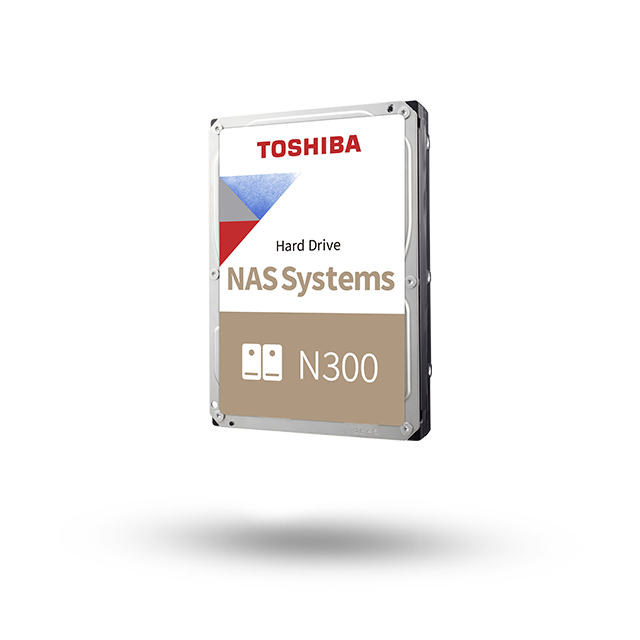

EMEA Region, Toshiba Storage Solutions – The 3.5-inch N300 NAS Hard Drive offers unprecedented reliability for NAS and other high-performance storage systems. It is optimized to meet the reliability, endurance, performance and scalability requirements of 24-hour x 7-day high-capacity storage for personal, home office and small business use. The N300 is available in capacities of up to 18 TB.
Use for:
• Network Attached Storage (NAS)
• Desktop RAID and servers
• Multimedia server storage
• Private cloud storage
• Small business server and storage
-
3.5" SATA Hard Drive
-
7200 rpm
-
256/512 MB buffer
-
24/7 operation
-
Supports 1-to-8 bay NAS
-
High reliability and enhanced real-time performance
-
Toshiba Dynamic Cache Technology
-
Toshiba Stable Platter Technology
-
High-endurance design
-
Error recovery control
-
Temperature control
-
3-year warranty
Designed for NAS
Through its contact with NAS manufacturers, Toshiba recognizes the need for high-reliability disks in support of modern data storage and retrieval demands including streaming, backup and archiving. The drive, which can support multi-RAID systems with up to 8 hard disk drives, allows large volumes of data to be reliably stored and accessed by multiple clients 24 hours a day, 365 days a year.
Why NASLink™ Matters
Smarter Performance for Everyday NAS
Modern NAS systems must handle mixed workloads— file sharing, backups, media streaming, and RAID maintenance—often at the same time. In these environments, inconsistency is the real risk that causes unpredictable slowdowns or performance drops during background activity. NASLink™ firmware is built to understand and manage that complexity, delivering stable, consistent performance that users and systems can rely on.
N300 + NASLink™ combines NAS-optimized hardware with intelligent firmware designed to keep home office, creative, and small business NAS systems running smoothly through backups, file sharing, streaming, and everyday multitasking.


Intelligent Tasks Management
Helps reduce slowdowns during backups, media streaming, and multi-user access by intelligently managing drive activity and optimizing cache usage.

Adapts to Your Workload
Dynamically adapts to real NAS activity to help maintain smooth and stable performance during mixed workloads.

Built for 24/7 Reliability
Supports long-term operation by streamlining data flows and minimizing redundant disk movement.
Integrated RV sensors
Regular hard disk drives without RV sensors can affect the performance of a multi-bay NAS System by generating 'knock-on' vibration. N300 drives ensure high reliability by minimising vibration effects through their advanced control and sensing technology. Multiple sensors detect the slightest shock and built-in RV sensors also compensate for rotational vibration - eliminating the possibility of 'knock-on' vibration in multi-bay NAS configuration systems.
N300
NAS Hard Drive
Reliable always-on operation
NAS systems in small businesses or creative environments often need to be accessed by several users, at different locations, simultaneously. Therefore today's NAS drives must deliver high data transfer rates and simultaneous upload and download 24 hours a day, 7 days a week. Offering high reliability and scalability, N300 drives achieve a max. 180 TB/year workload factor, up to 3 times more than convenient desktop hard drives.
High durability and heat prevention
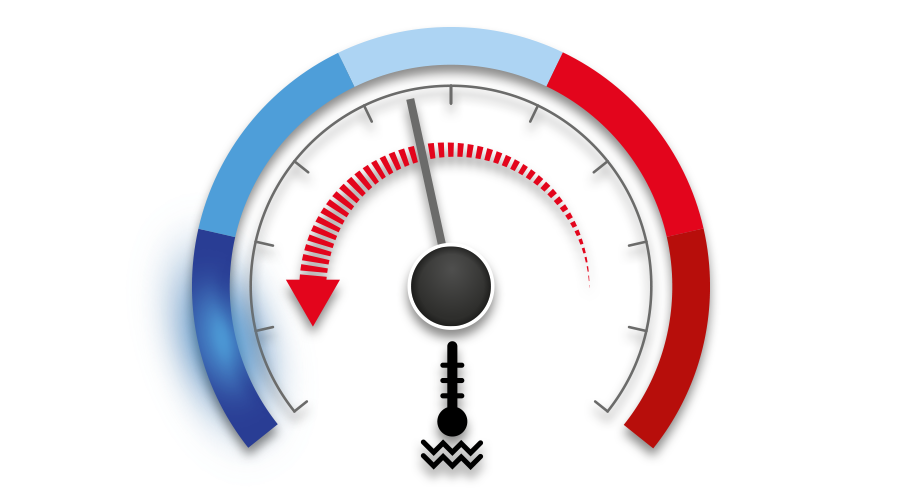
Use of high-endurance components is one of the reasons that the N300 series offers better durability than other conventional hard disk drives. At the same time, automatic adjustment of seek speed to reduce heat during high-temperature operation further improves endurance in demanding situations.
High speed for multi-drive environment
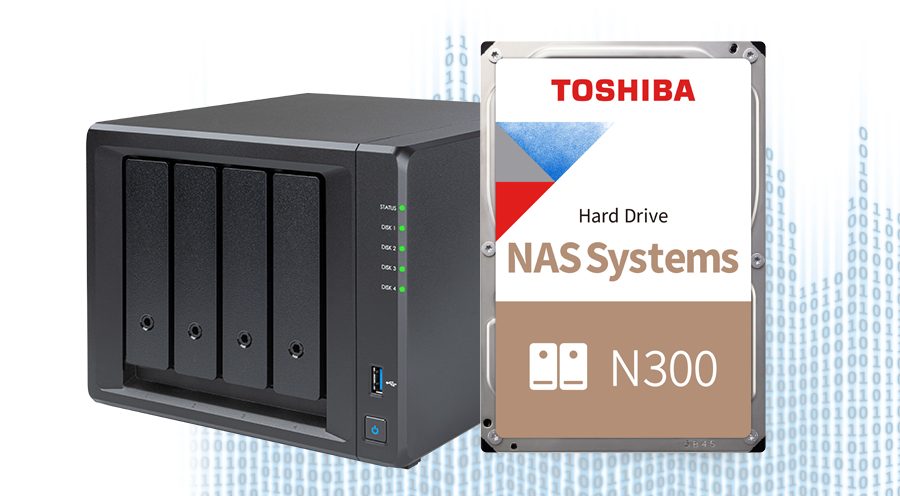
High performance and fast read speed is made possible under high data access loads from multiple users thanks to 512 or 256 MB data buffer. This makes the drive suitable for small businesses and creative professionals looking for solutions to handle high data volumes using multi-RAID NAS environments.
Optimised cache allocation
Toshiba’s Dynamic Cache Technology, a self-contained cache algorithm with on-board buffer management, optimizes how the cache is allocated during read/write to provide the high-level performance demanded by real-time domains.
Reduced noise and energy costs
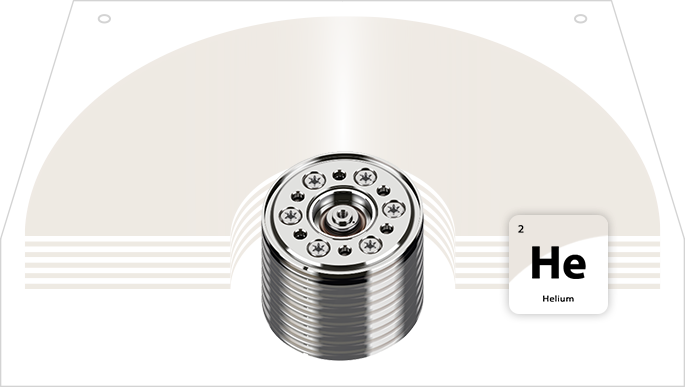
The 12 TB to 18 TB N300 NAS Hard Drives use a helium-sealed design, achieving low power consumption while increasing storage density. Toshiba Group’s laser welding technology ensures that the helium remains securely sealed inside the drive enclosure. With the environment in mind, the helium-filled N300 models minimize acoustic output to just 20db (typical) in idle mode. The devices are ideal for large scale server systems allowing for rich scalability of up to 8 drives.
BUILT TO DELIVER, DESIGNED TO LAST
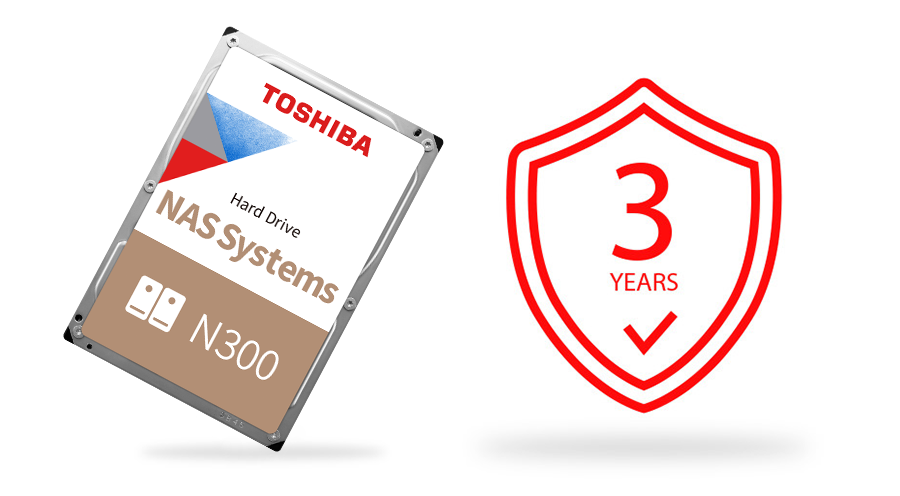
Toshiba is renowned the world over for 50 years of leading innovation – and the power behind its range of hard drives is no exception. Designed for high capacity and excellent performance, you can be sure that Toshiba’s wealth of experience in hard drives is at work in your storage system. A three year extended warranty is also included with the N300 for the ultimate peace of mind.
Product Specifications
- Basic Specifications
-
Form factor
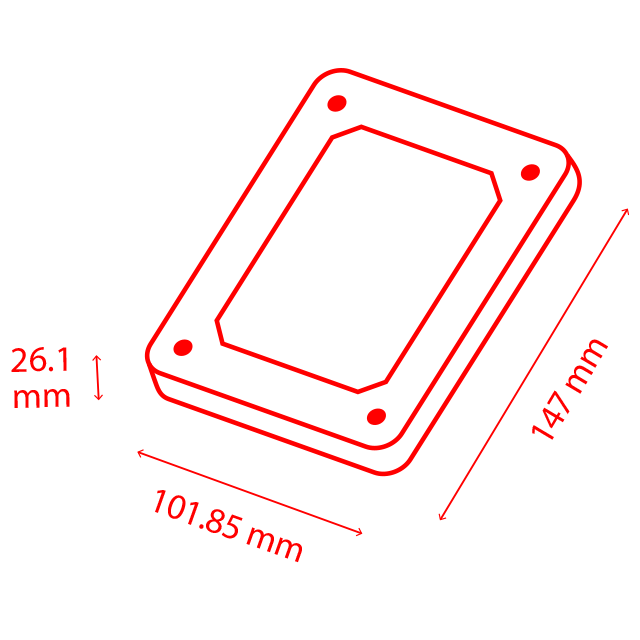
3.5-inch
-
Interface
SATA 6.0 Gbit/s
-
RoHS compatible
Yes
-
Halogen FreeYes
- Performance
-
Rotational speed
7,200 rpm
-
Buffer size
512 MB / 256 MB
- Reliability
-
Unrecoverable error rate
1 per 10^14 bits read / 1 per 10^15 bits read
-
24/7 operation
Supported
-
Limited warranty
3 years
Product Range
| Part number | Capacity | Color |
|---|---|---|
| HDWG51JUZSVA (Bulk) | 18 TB | - |
| HDWG31GUZSVA (Bulk) | 16 TB | - |
| HDWG51EEZSTA (Retail) | 14 TB | - |
| HDWG31EEZSTA (Retail) | 14 TB | - |
| HDWG31EUZSVA (Bulk) | 14 TB | - |
| HDWG21EEZSTA (Retail) | 14 TB | - |
| HDWG21EUZSVA (Bulk) | 14 TB | - |
| HDWG21CEZSTA (Retail) | 12 TB | - |
| HDWG21CUZSVA(Bulk) | 12 TB | - |
| HDWG11AEZSTA (Retail) | 10 TB | - |
| HDWG11AUZSVA (Bulk) | 10 TB | - |
| HDWG480EZSTA (Retail) | 8 TB | - |
| HDWG480UZSVA (Bulk) | 8 TB | - |
| HDWG460EZSTA (Retail) | 6 TB | - |
| HDWG460UZSVA (Bulk) | 6 TB | - |
| HDWG440EZSTA (Retail) | 4 TB | - |
| HDWG440UZSVA (Bulk) | 4 TB | - |
Compatibility
FAQ
-
Some external USB 2,5 inch HDD devices are delivered with two cables (a data cable and an additional USB power cable). If you encounter problems, please use both – the data and power cable.
If the external USB HDD devices still fails please connect it to a self-powered USB Hub. Most problems on external USB HDD devices are caused by a too high power consumption during initialization or data transfer. The USB specification for a USB port is 500mA per port. If a device needs more then 500mA, the USB port may be switched off by the over current circuit.
-
Some external USB 2,5 inch HDD devices are delivered with two cables (a data cable and an additional USB power cable). If you encounter problems, please use both – the data and power cable.
If the external USB HDD devices still fails please connect it to a self-powered USB Hub. Most problems on external USB HDD devices are caused by a too high power consumption during initialization or data transfer. The USB specification for a USB port is 500mA per port. If a device needs more then 500mA, the USB port may be switched off by the over current circuit.
To avoid too high power consumption on the used USB port, connect the External USB HDD device to a second USB port with the additional power cable. This provides up to 1000mA to the USB device. If the device still fails, please try a self-powered USB Hub, as they are, in most cases, able to provide more than 500mA per USB port.
-
Some external USB 2,5 inch HDD devices are delivered with two cables (a data cable and an additional USB power cable). If you encounter problems, please use both – the data and power cable.
If the external USB HDD devices still fails please connect it to a self-powered USB Hub. Most problems on external USB HDD devices are caused by a too high power consumption during initialization or data transfer. The USB specification for a USB port is 500mA per port. If a device needs more then 500mA, the USB port may be switched off by the over current circuit.
To avoid too high power consumption on the used USB port, connect the External USB HDD device to a second USB port with the additional power cable. This provides up to 1000mA to the USB device. If the device still fails, please try a self-powered USB Hub, as they are, in most cases, able to provide more than 500mA per USB port.
If all this fails, you may have to check if the USB ports are ok (i.e. possible hardware failure). To check the USB port, connect a generic USB device like an USB mouse. If the USB port is ok, there may be an incompatibility between the notebook and the used external USB HDD Device. If so, please try a different device or one from another vendor.
-
To avoid too high power consumption on the used USB port, connect the External USB HDD device to a second USB port with the additional power cable. This provides up to 1000mA to the USB device. If the device still fails, please try a self-powered USB Hub, as they are, in most cases, able to provide more than 500mA per USB port.
If all this fails, you may have to check if the USB ports are ok (i.e. possible hardware failure). To check the USB port, connect a generic USB device like an USB mouse. If the USB port is ok, there may be an incompatibility between the notebook and the used external USB HDD Device. If so, please try a different device or one from another vendor.
-
If all this fails, you may have to check if the USB ports are ok (i.e. possible hardware failure). To check the USB port, connect a generic USB device like an USB mouse. If the USB port is ok, there may be an incompatibility between the notebook and the used external USB HDD Device. If so, please try a different device or one from another vendor.
-
Some external USB 2,5 inch HDD devices are delivered with two cables (a data cable and an additional USB power cable). If you encounter problems, please use both – the data and power cable.
If the external USB HDD devices still fails please connect it to a self-powered USB Hub. Most problems on external USB HDD devices are caused by a too high power consumption during initialization or data transfer. The USB specification for a USB port is 500mA per port. If a device needs more then 500mA, the USB port may be switched off by the over current circuit.
Reviews

In summary, I can do nothing but recommend the N300 and it is a product that could clearly end up in my server when it is time to buy a fourth hard drive.

Toshiba created a great NAS drive with their N300 series. It is a drive that comes with the right features and a great performance to match.

For the combination of characteristics, prices
and quality, the editors unequivocally award the TOSHIBA N300 4TB hard drive with the 'Editor's Choice' award.
The N300 hard drive fits seamlessly into Toshiba's already existing hard disk product portfolio and in our opinion complements it in a way that makes a lot of sense.

Both in the synthetic benchmarks and in
PCMark, the Toshiba N300 is one of the fastest 4 TB drives we've tested so far. The throughput speeds are around the promised 200 MB/s.